Native menus for Compose Desktop
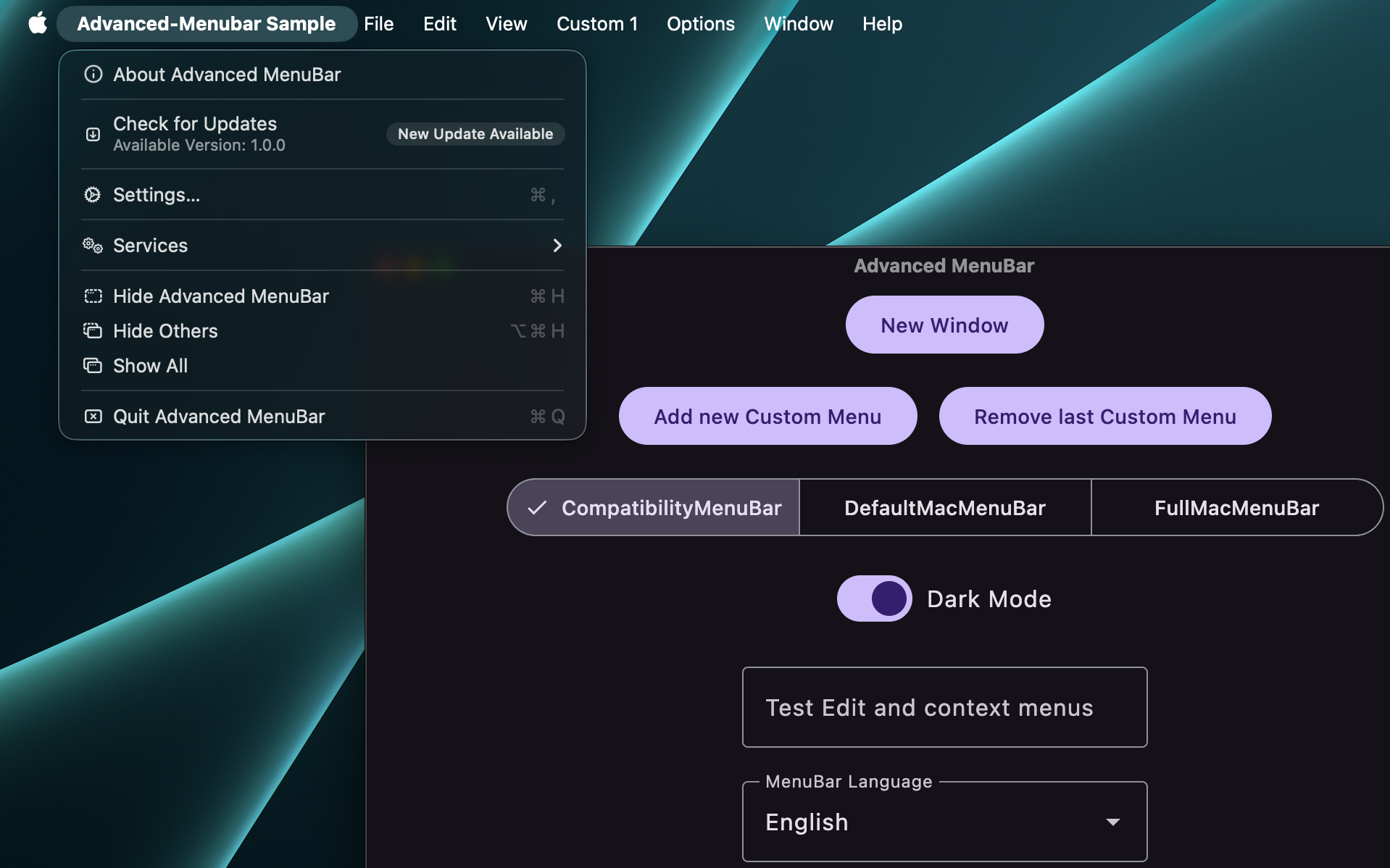
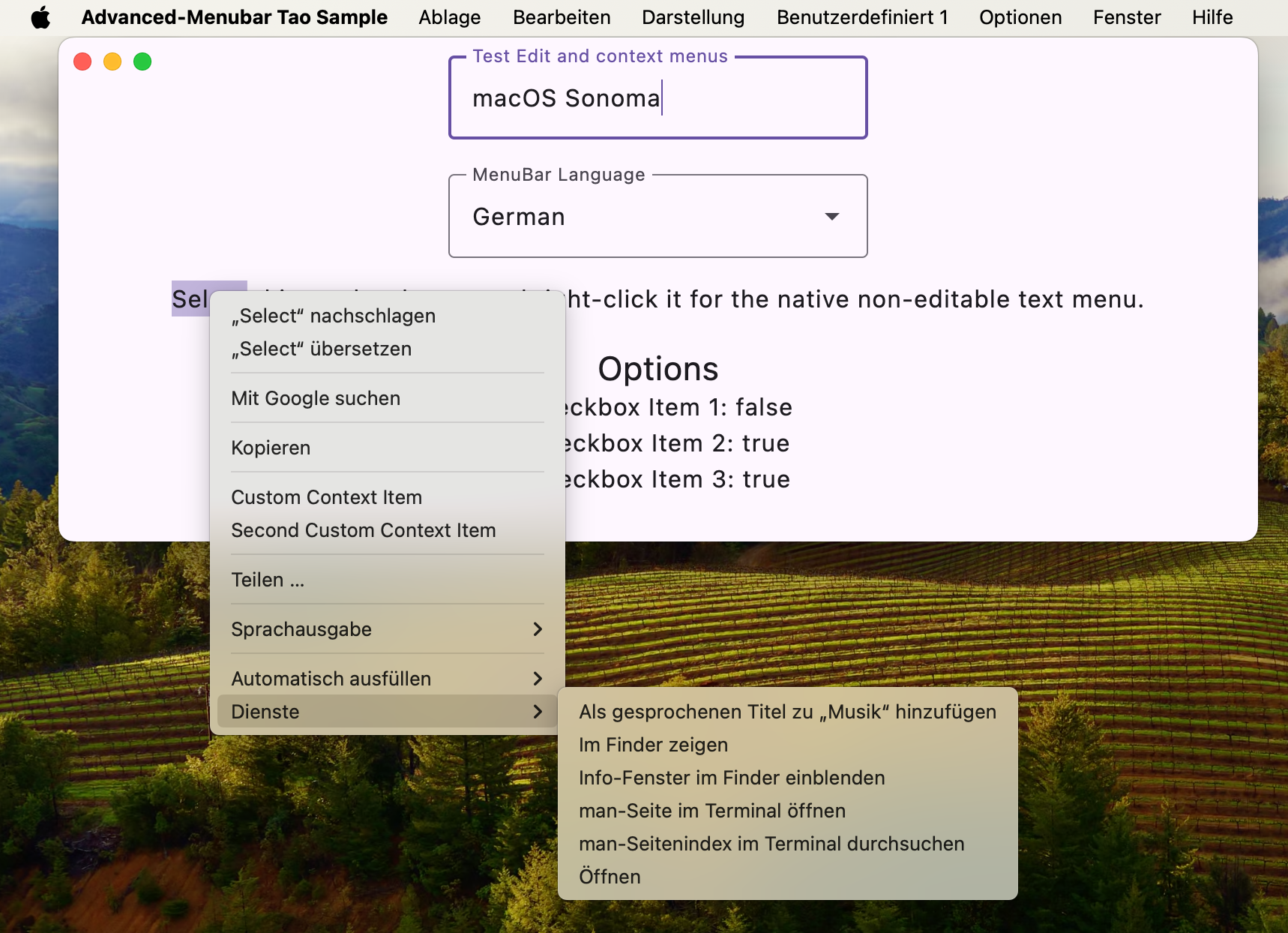
Advanced Menubar lets Compose applications use real AppKit menus while keeping menu definitions and state in Kotlin. It handles process-wide menu ownership, standard macOS actions, Compose edit commands, localization, and native text popups.
What it covers
- a ready-to-use conventional macOS menu with
DefaultMacMenuBar; - a declarative DSL for application, File, Edit, Format, View, Window, Help, and custom menus;
- submenus, sections, separators, actions, checkboxes, enabled state, and live Compose state;
- AppKit Services, automatic window lists, Writing Tools, AutoFill, Dictation, and Emoji & Symbols;
- native and custom shortcuts, SF Symbols, PNG/file/vector icons, tooltips, subtitles, and badges;
- native context menus for editable fields and selectable read-only text;
- multiple AWT or Tao windows with focus-aware menu ownership;
- a Swing renderer for Windows and Linux;
- packaged JNI metadata and libraries for GraalVM Native Image.
Choose a backend
| Backend | Window scope | Platforms | Behavior |
|---|---|---|---|
| AWT native | FrameWindowScope |
macOS | Real AppKit main menu |
| AWT compatibility | FrameWindowScope |
macOS, Windows, Linux | AppKit on macOS; Swing elsewhere |
| Tao | TaoDecoratedWindowScope |
macOS | AppKit without AWT |
Tao is part of the Nucleus library. Native macOS entry points remain native and do not use Swing as a loading-error fallback.
Start with the Quickstart or browse the complete DSL reference.